• Bot creation instructions
  • Discord Chatbot Builder
    build in minutes, no code needed
    Expand your audience, offer services and sell
    on one of the largest online communication platforms
    More than 30,000 chatbots in Mavibot are running right now
    Special features for your business
    Create a smart assistant in Discord without coding
    Connect an AI agent for customer communication
    Process user messages 24/7
    Connect the bot to channels, communities, and private chats
    Automatically create leads and requests in CRM from the bot
    Use buttons and attachments in the bot
    We help at every stage
    How the chatbot builder looks from the inside
    No-code platform
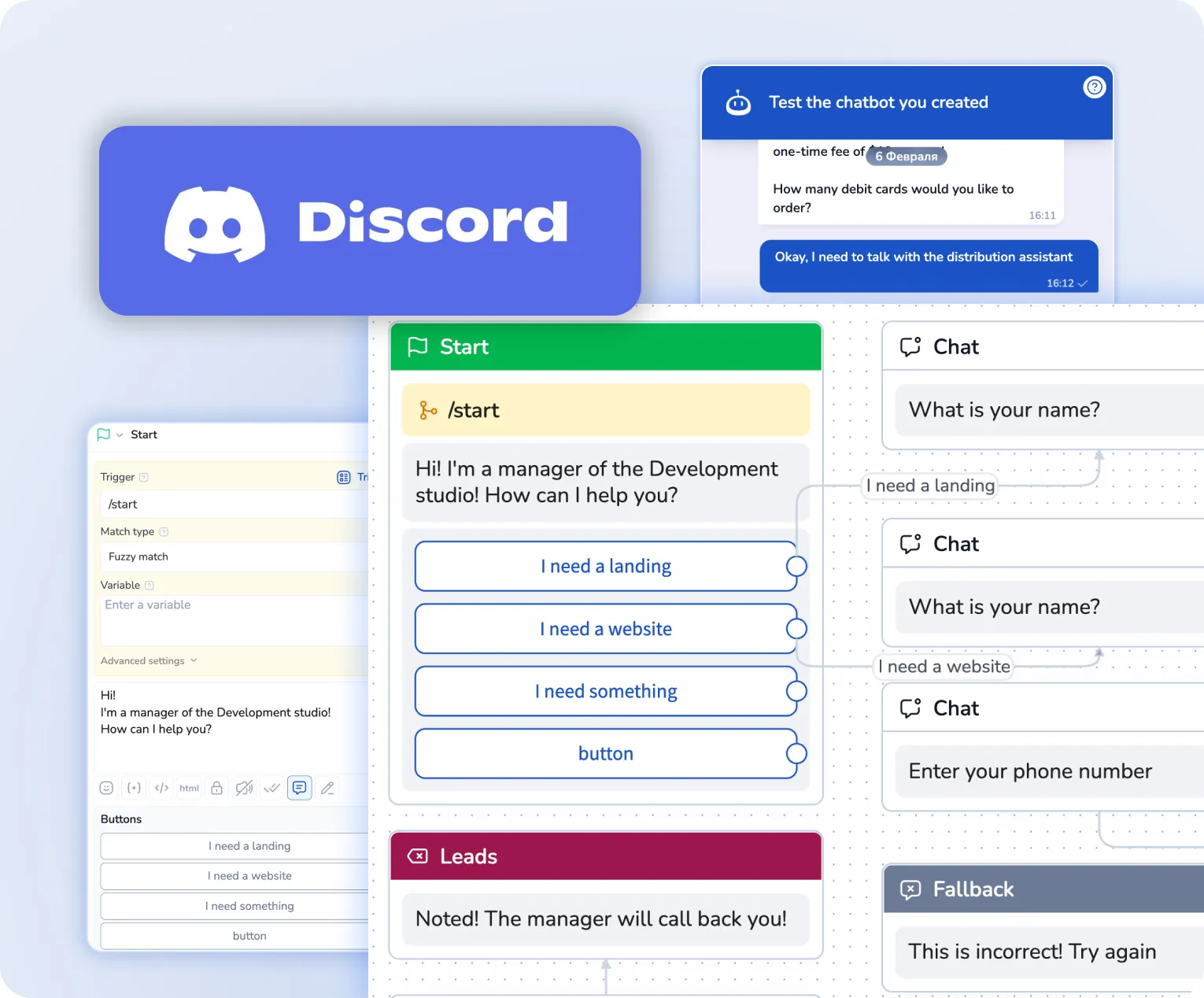
    The chatbot is built with blocks without coding: each block is a separate message.
    All information at hand
    You can clearly view settings and data in blocks — easy even for beginners
    Advanced functionality
    Payment buttons, calls, images, videos and more — everything you need for a powerful sales funnel
    Testing window
    Test your bot without limits and add new features anytime
    No-code platform
    Simplify. Automate. Improve.
    Why choose Mavibot chatbot builder?
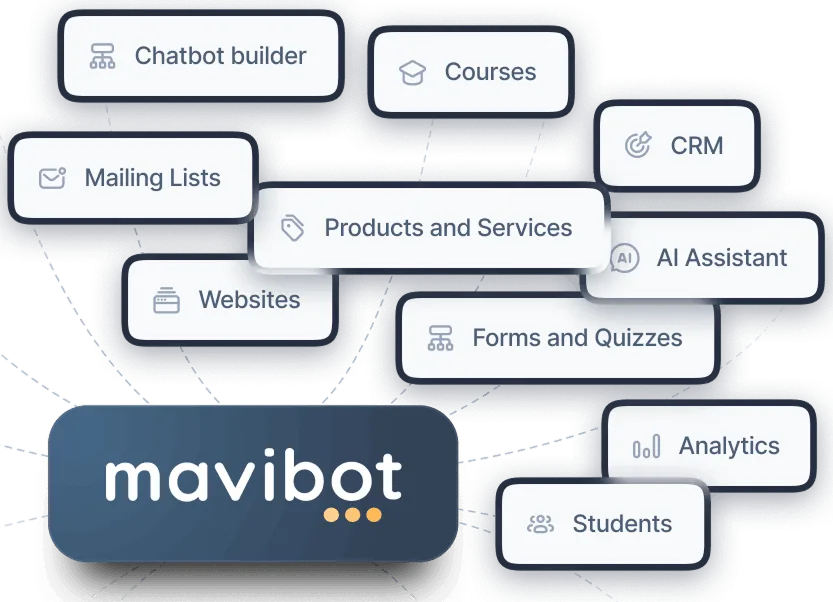
    All tools for your website together
    All-in-one CRM, booking, helpdesk, and AI chat for your online store and websites — no switching required
    Clients under control
    Contacts, leads, deals and communication history are stored in one system
    Work with leads
    See how many leads you get, where they drop off and where you lose money
    Unified workspace
    All requests from websites and messengers in one place
    Easy start and scaling
    Simple setup with gradual automation growth
    From small businesses to agencies
    Mavibot fits
    Step by step setup
    How to launch a Discord chatbot?
    Create a bot
    Build a message flow in Mavibot or set up AI responses.
    #1
    Build message flow
    Add images, videos, and payment buttons to create engaging communication.
    #2
    Test your bot
    Chat with your bot in the testing window. You're ready to launch!
    #3
    Connect Discord
    Connect Discord to Mavibot and your bot is ready to work.
    #4
    Learn and Repeat Success
    Growth Stories with Mavibot
    MilaVitsa Lingerie Store
    Automating Customer Feedback and Boosting Engagement at Milavitsa, helping the brand respond faster and increase loyalty
    Online TEFL/TESOL Certificate Course
    Automated Instagram DMs deliver learning materials directly in chat
    MN Beauty Salon
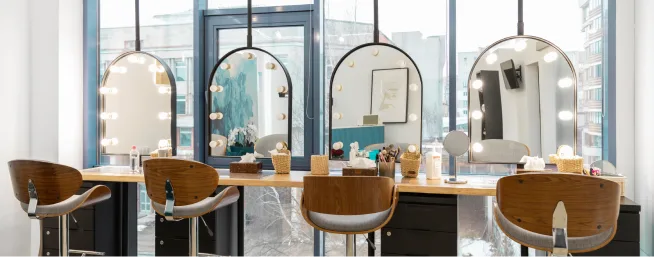
    MN beauty salon implemented online booking and stopped losing client requests
    Home & Living Store
    Built a digital sales funnel that streamlined customer journeys and increased sales by 1.5x
    Tour company Anex Tour
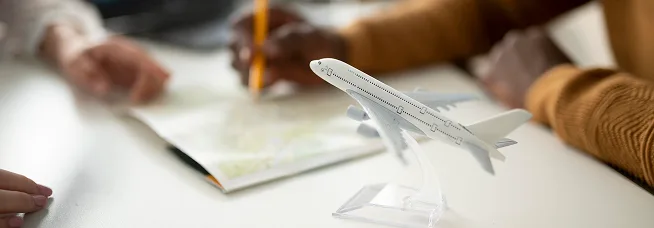
    Automated sales and improved manager performance control
    Aesthetic Plastic Surgery Clinic
    A Telegram automation funnel was launched and started generating leads from day one
    Face Fitness School
    Built a step-by-step webinar funnel with full customer control
    PixelQuest with MaviBot
    Automation of routine tasks cut down managers’ manual work
    What People Say about Us
    Mavibot customer reviews
    What People Say about Us
    Mavibot customer reviews
    Sales ManagerCRM SpecialistMarketing ManagerDigital Director
    4.97
    Business owners trust MaviBot
    Anna
    Sales Manager
    Managers got lost in different messengers, missing client requests and wasting time on routine.
    Kate
    CRM Specialist
    Managing client base and deal stages was time-consuming, with too much routine work.
    Jennifer
    Marketing Manager
    Client journey management was complex, promotions were hard to track, and employees were overloaded.
    David
    Digital Director
    After losing the main channel, the company risked losing digital clients.
    Sales ManagerCRM SpecialistMarketing ManagerDigital Director
    4.97
    Business owners trust MaviBot
    No hidden fees or additional charges
    A subscription that saves you money
    Additional options
    +1000 messages
    per day
    $ 4.90
    +1000 email
    per day
    $ 9.90
    +2 GB
    file storage
    $ 1.90
    +100 students
    in project
    $ 9.90
    Additional messenger
    $ 9.90
    Additional employee
    $ 9.90
    One service for all your needs.
    Change your business approach
    starting today
    Book a Mavibot demo —
    we’ll show how to automate sales without extra routine
    FAQ

    Answers to your questions

    Can a Discord bot work in channels, threads, and direct messages?
    Yes, a Discord bot can work in channels, threads, and direct messages. This gives you one bot for different communication scenarios across your server, from community engagement to support and direct conversations.
    How can I connect a chatbot to a Discord server?
    To connect a chatbot to Discord, you need to create an application and bot in the Discord Developer Portal, generate a token, and add it to Mavibot in the Channels section. Once connected, the bot can start handling messages inside your Discord server.
    Can I send an automatic welcome message to new members?
    YYes, you can set up a chatbot to automatically welcome new members and answer common questions. This helps you onboard users faster, reduce repetitive replies, and improve engagement from the start.
    Do I need coding skills to create a Discord chatbot?
    No, coding skills are not required. With Mavibot, you can build a Discord chatbot in a visual builder using ready-made blocks, which makes it easier to launch and adapt your bot without developers.
    Can I connect an AI agent to handle conversations in Discord?
    Yes, with Mavibot you can connect an AI agent to reply to user messages in Discord, automate routine conversations, and reduce manual work as your message volume grows.